
7 - Making Products
IN THIS LESSON: Start by downloading the worksheet, then watch the video and use it to follow along and apply what you are learning before moving on to the next lesson.
How to Make Art Prints at Home to Sell | Step by Step Tutorial
Printing art at home lets you turn your artwork into products you can sell and restock as you need them. In this lesson, I’ll walk you through how I make art prints for my own business, from choosing paper and setting up the file to printing and packaging the finished piece.
👇 What you’ll learn in this video
• How to print your own art prints at home to sell using the process I use in my art business.
• How to choose paper, prepare your artwork in Photoshop, adjust printer settings, and add finishing touches and packaging.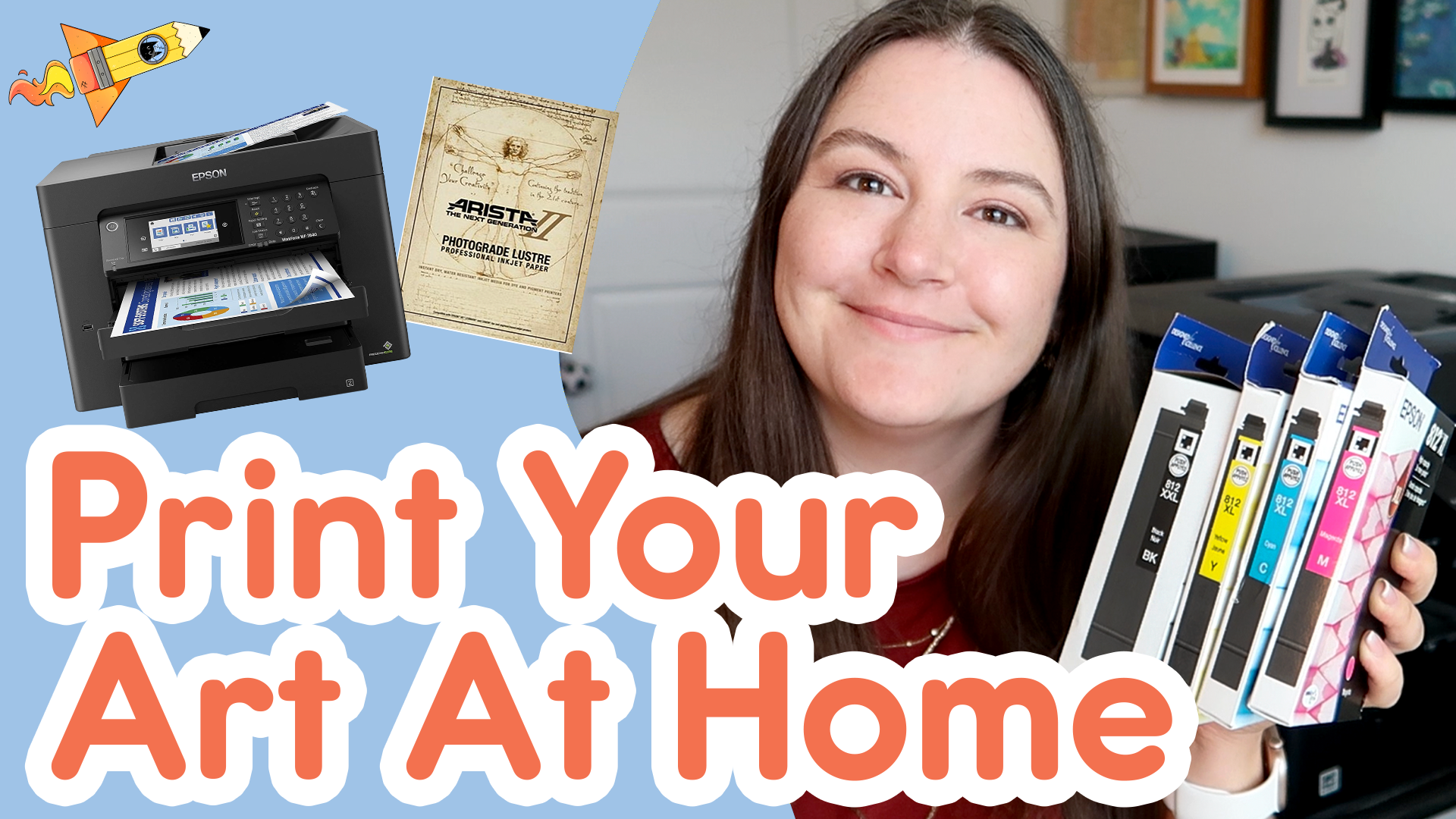
⭐ Resources and More Info:
✦ Epson WorkForce Pro WF-7840 Printer https://link.amazon/B06TI3qFF
✦ Epson 812XL Magenta Ink Cartridge https://link.amazon/B000BMviR
✦ Epson 812XL Cyan Ink Cartridge https://link.amazon/B0dibhzNi
✦ Epson 812XL Yellow Ink Cartridge https://link.amazon/B01bNcvcQ
✦ Epson 812XXL Black Ink Cartridge https://link.amazon/B0ekKnvcw
✦ Arista II RC Lustre Inkjet Paper, 8 × 10 Inches https://www.freestylephoto.com/39081-Arista-II-RC-Lustre-Inkjet-Paper-252gsm-8x10-100-Sheets
✦ 1 Inch Round Printable Labels https://link.amazon/B0icOUO7e
✦ ClearBags No Flap Clear Sleeves, 8¼ × 10¼ Inches https://www.clearbags.com/8-1-4-x-10-1-4-no-flap-value-crystal-clear-bag-250-pieces-vl108snf.html
✦ Launchpad: Lesson 4.1 Print Ready Art https://www.sleepyheadlaunchpad.com/library/print-ready-art
✦ Launchpad: Lesson 4.3 Scanning Art https://www.sleepyheadlaunchpad.com/library/scan-art
✦ Launchpad: Lesson 4.4 Photo Art with Light Box https://www.sleepyheadlaunchpad.com/library/photo-art-lightbox
✦ Launchpad: Lesson 4.5 Photo Art with Natural Light https://www.sleepyheadlaunchpad.com/library/photo-art-natural-light
✦ Launchpad: Lesson 7.01 Art Print Design https://www.sleepyheadlaunchpad.com/library/artprintdesign
✦ Kelly Draws Things https://kellydrawsthings.com