Product Development
IN THIS LESSON: Start by downloading the worksheet, then watch the video and use it to follow along and apply what you are learning before moving on to the next lesson.
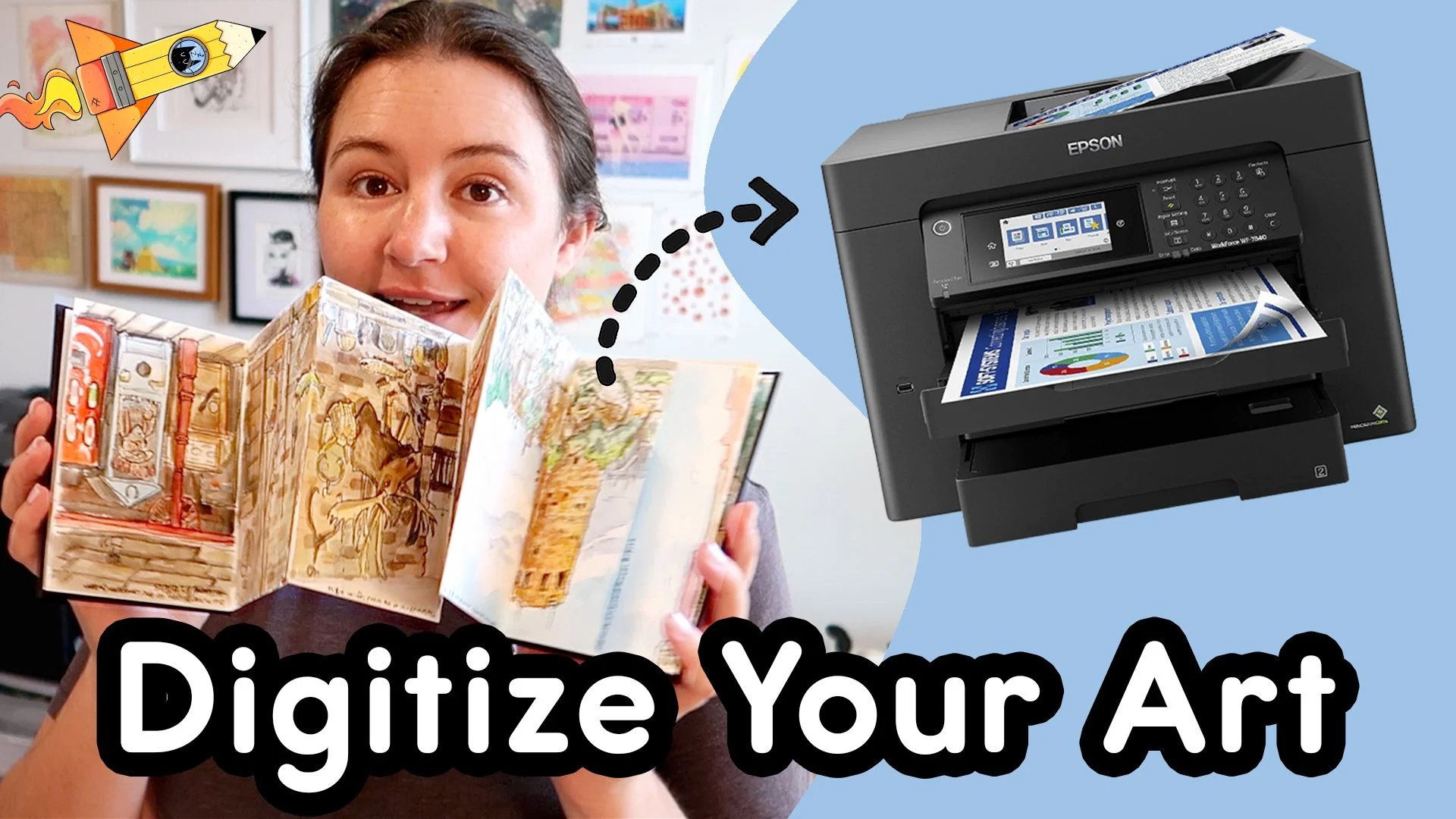
How to Scan Your Artwork for Print | Turn Traditional Art into Clean Digital Files
In this video, I walk you through my start to finish process for scanning traditional artwork and turning it into a high quality digital file. We cover how to prepare your artwork for scanning and the scanner settings that matter most so you can capture clean, clear images of your drawings. By the end, you will understand how to take a drawing from paper to a properly scanned digital file ready for the next step in your workflow.
👇 What you’ll learn in this video
• How to prepare traditional artwork so it scans cleanly and evenly
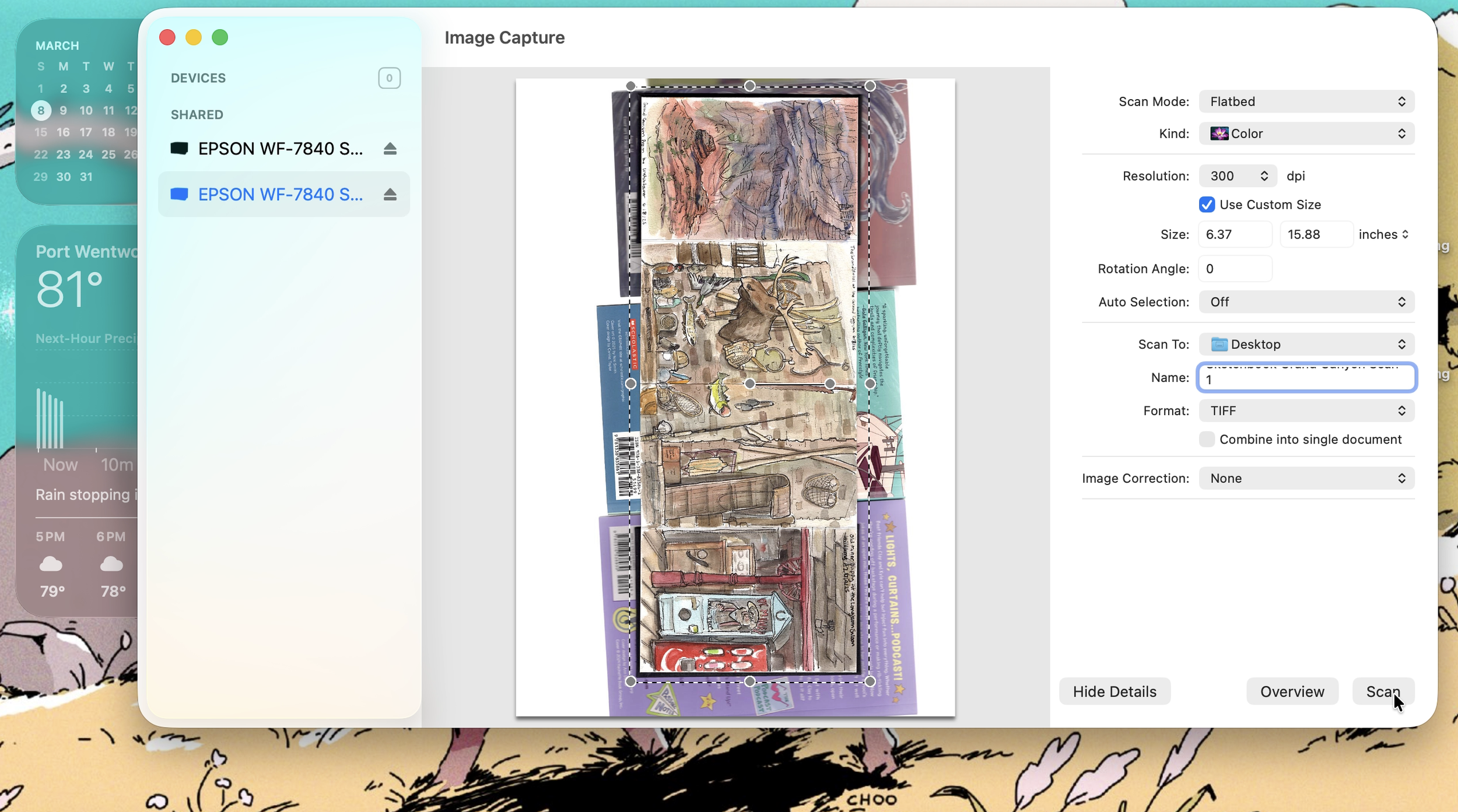
• How to scan artwork using the correct resolution and scanner settings to capture a high quality digital file
Resources + Materials
• Epson Workforce 7840 - https://amzn.to/3I4L138 *
• Scanner Cleaning Spray https://amzn.to/4bnMMH6 *
• Scanning App for Mac - Image Capture https://support.apple.com/guide/image-capture/welcome/mac