
6 - Design Process
IN THIS LESSON: Start by downloading the worksheet, then watch the video and use it to follow along and apply what you are learning before moving on to the next lesson.
How to Digitally Color Your Art | Flats, Shadows, Highlights & Effects
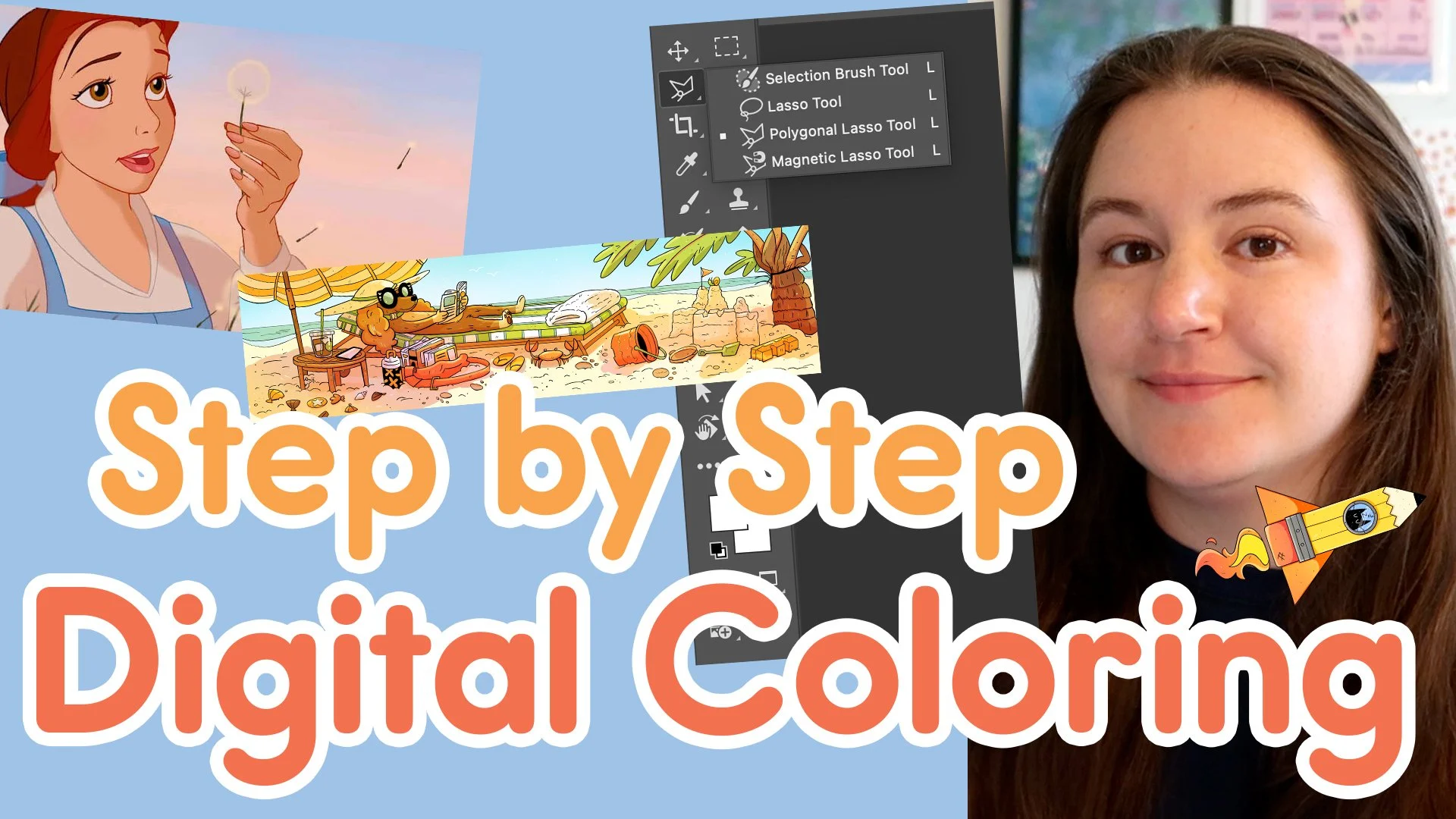
Learn my full digital coloring workflow from cleaned-up line art to finished illustration. I’ll walk you through flatting, Multiply shadows, highlights, and special effects like color holds, glow, blur, noise, and lighting so you can build a clean, repeatable coloring process for your own artwork.
👇 What you’ll learn in this video
How to prepare and flat your artwork so your colors are clean, editable, and ready for shading
How to add shadows, highlights, and special effects using layers and blending modes

⭐️ Resources and More Info:
✦ Adobe Photoshop: Levels Adjustment https://www.adobe.com/us/learn/photoshop/web/photoshop-improve-tones-levels
✦ Adobe Photoshop: Blending Modes https://helpx.adobe.com/photoshop/using/blending-modes.html
✦ Adobe Photoshop: Expand or Contract a Selection https://helpx.adobe.com/photoshop/using/making-quick-selections.html
✦ Adobe Photoshop: Lock Transparent Pixels https://helpx.adobe.com/photoshop/using/layer-basics.html
✦ Adobe Photoshop: Blur Effects https://helpx.adobe.com/photoshop/using/filter-effects-reference.html
✦ Adobe Photoshop: Add Noise / Film Grain https://helpx.adobe.com/photoshop/using/filter-effects-reference.html
✦ Clip Studio Paint https://www.clipstudio.net
✦ Pocahontas https://amzn.to/4x22DE1
✦ Beauty and the Beast https://amzn.to/46y9b2c
✦ Launchpad: Photograph Art in Natural Light https://www.sleepyheadlaunchpad.com/library/photo-art-natural-light
✦ Launchpad: Photograph Art with a Lightbox https://www.sleepyheadlaunchpad.com/library/photo-art-lightbox
✦ Launchpad: Scan Your Art https://www.sleepyheadlaunchpad.com/library/scan-art